Record a lecture
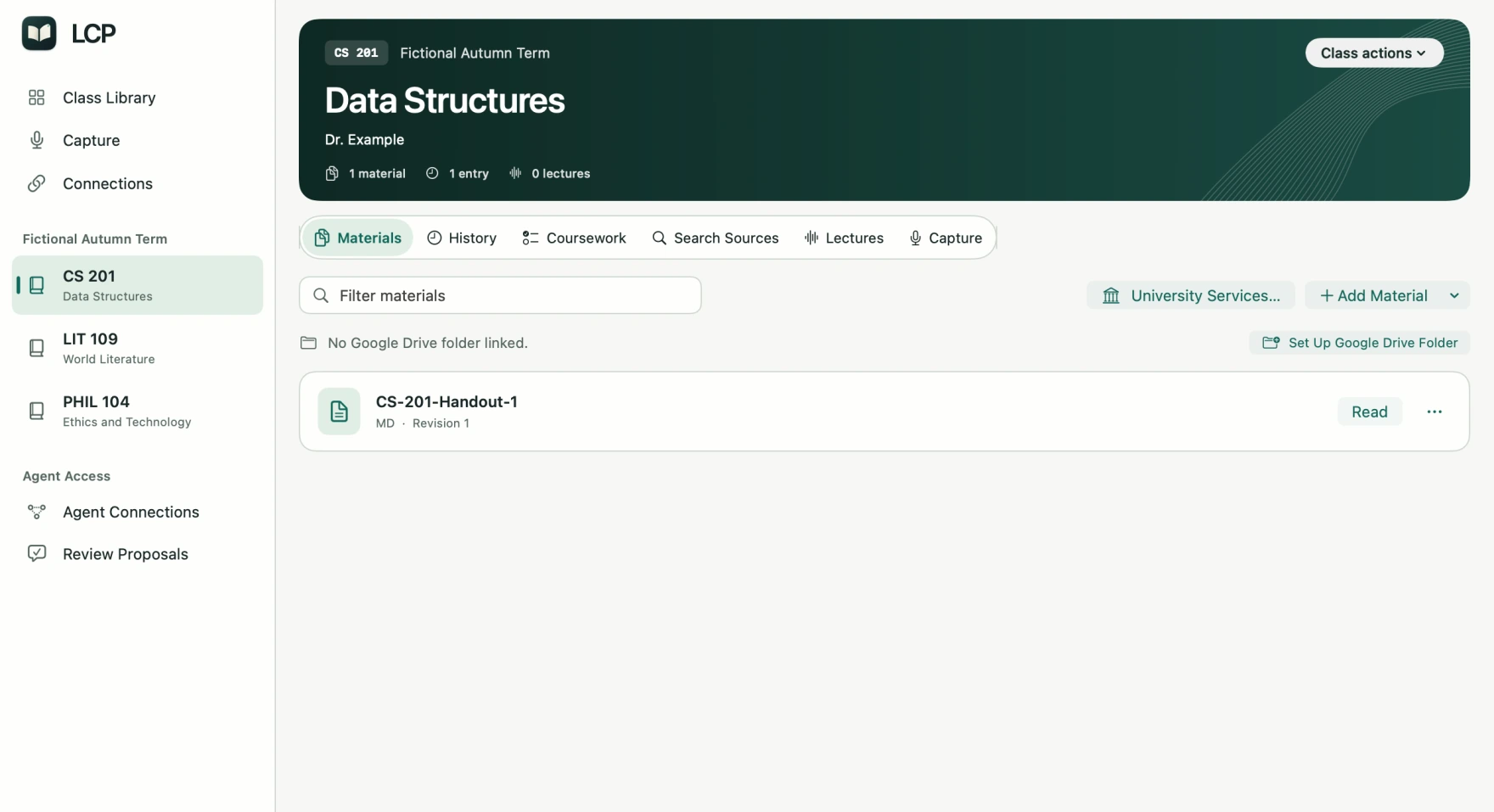
Pick a class, press Record, and save the audio to its lecture history. Recordings stay on your Mac unless you set up a synced destination.
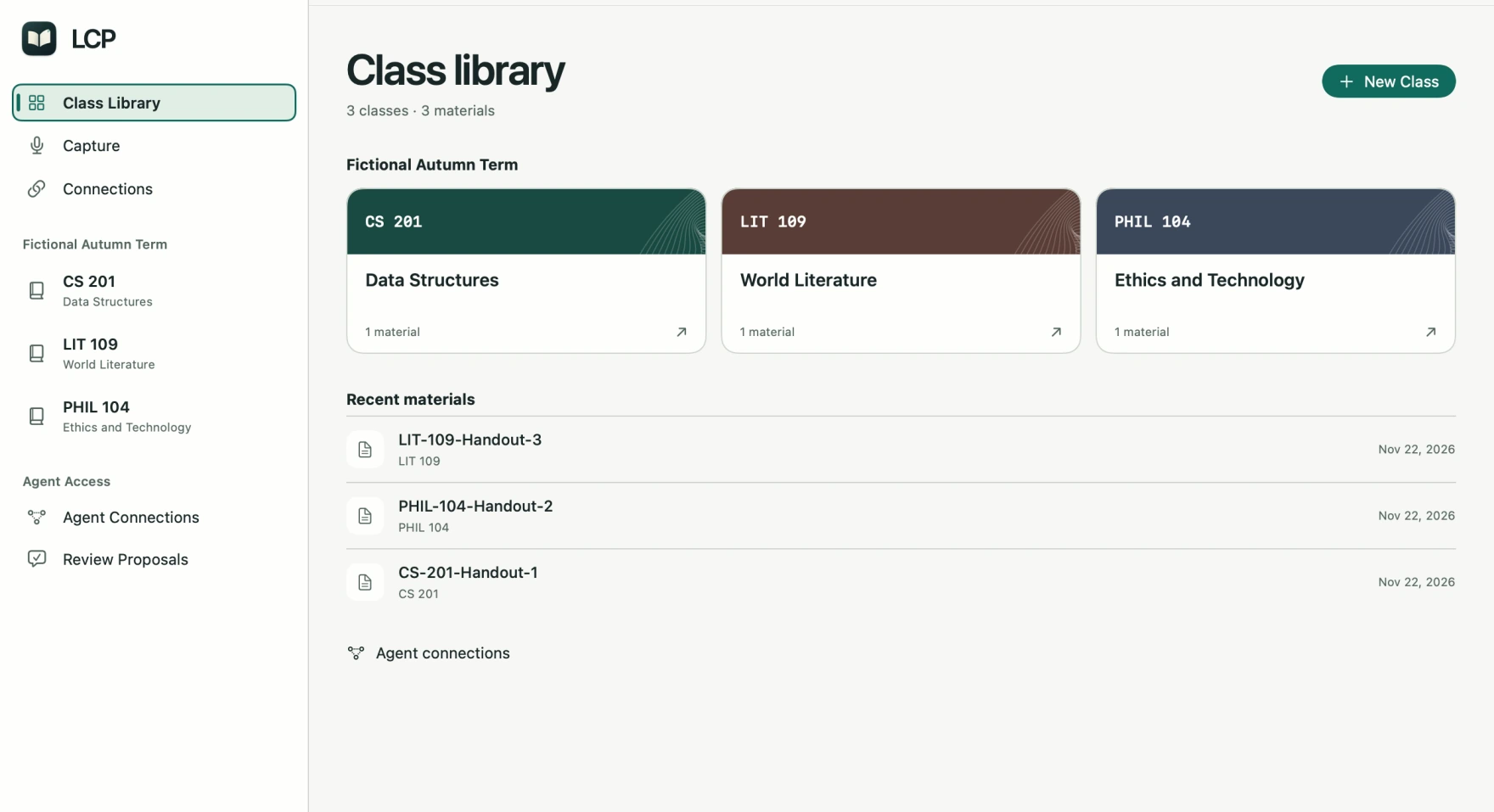
Keep lecture recordings, readings, and notes in one searchable class library on your Mac. Share the exact sources with your AI assistant.
Apple Silicon macOS 14 or later
Record on Monday. Find the passage you need when it’s time to study.
Pick a class, press Record, and save the audio to its lecture history. Recordings stay on your Mac unless you set up a synced destination.
Search class readings and saved transcripts. A citation takes you back to the exact passage you kept, even after a source is revised.
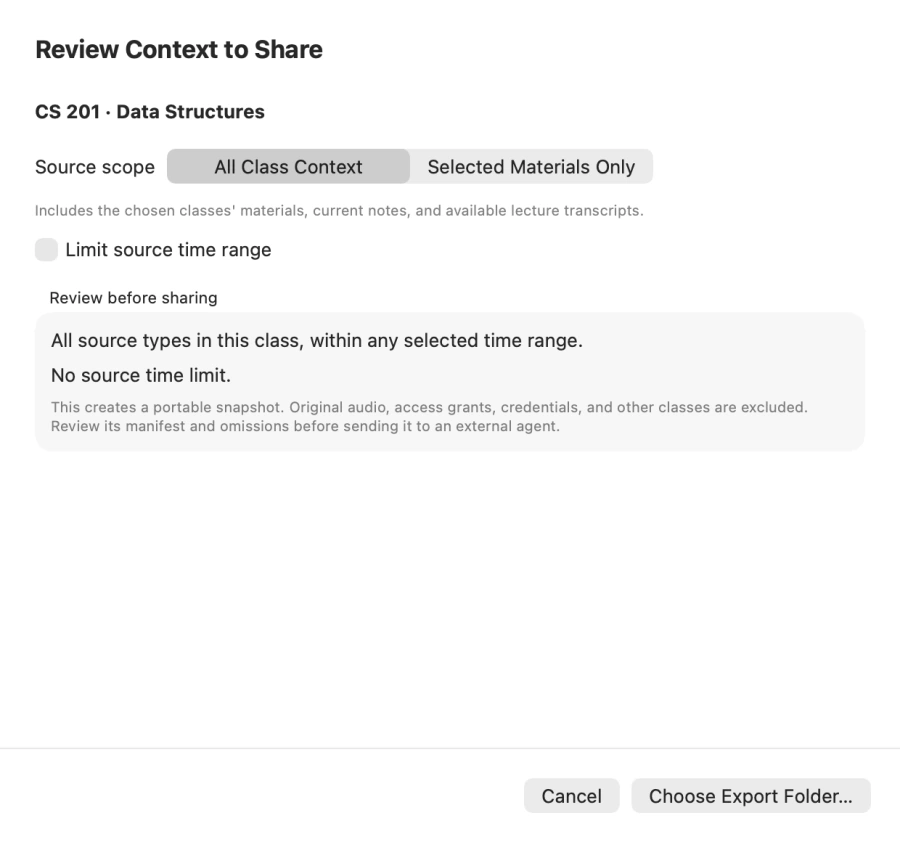
Choose the materials to share. Export a readable file for chat, or grant a compatible MCP client access to selected class sources.
Open the disk image and drag LCP Desktop into Applications. This preview uses an ad-hoc signature. If macOS asks you to approve the first launch, follow Apple’s instructions.